Sygic Truck Navigation for your Iveco Daily E6 van

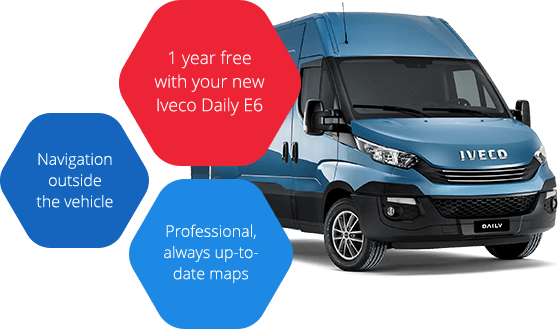
- 1 year free with your new Iveco Daily E6
- Professional always up-to-date maps
- Precise address locations, time restrictions for deliveries
in city centers and restrictions for heavy vehicles in the map - Exact Estimated Times of Arrival based on traffic data


Installation and activation of Sygic Truck Navigation with your Iveco Daily E6 van
1. Registration
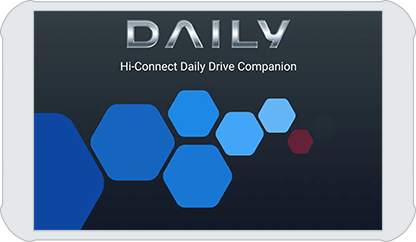
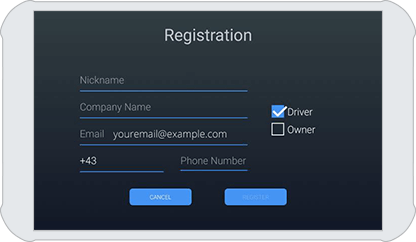
If you did not do it yet, please install Iveco Daily Business Up from the app store. When the Daily Business Up app is installed, the first screen you will see is the registration screen.
Enter your email address
The email address that you use is important because your full license for navigation will be bound to that address. During registration, it is necessary to have an internet connection because you will receive a confirmation email from Iveco
2. Installation of Sygic Truck Navigation
After completing registration, you can install the Sygic Truck Navigation by clicking on the red navigation icon on the main screen.
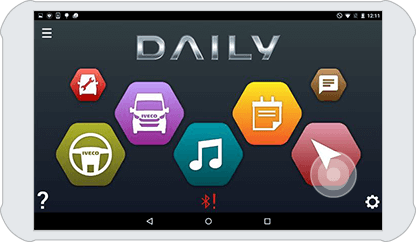
This will open Google Play on Android-based phones or iTunes on iPhones.
* You need a stable and fast Wi-Fi connection to download the navigation application
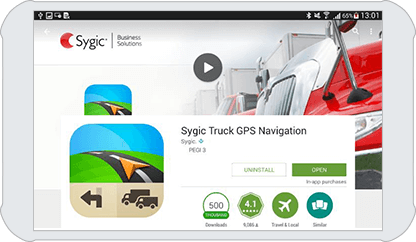
3. Starting the trial and downloading maps
After the app is installed and unpacked, you will enter The “first run wizard”.
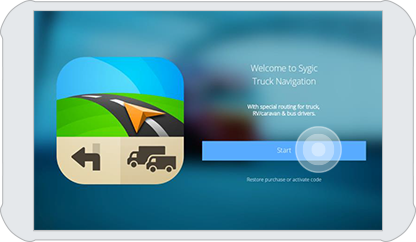
Download maps
Start the trial. Then select the European region and the maps to download.
Please wait for maps to download.
*A Wi-Fi connection is required and it can take up to half an hour to finish downloading.
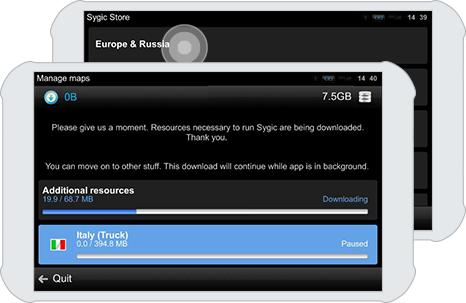
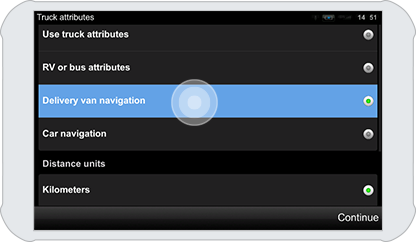
4. Configuring vehicle parameters
After the download, you can set up the vehicle parameters. This is recommended if you have an Iveco Daily heavier than 3.5 tons.
If your Iveco daily is below 3,5 tons, you don’t need to change vehicle setting and choose Delivery van navigation option.
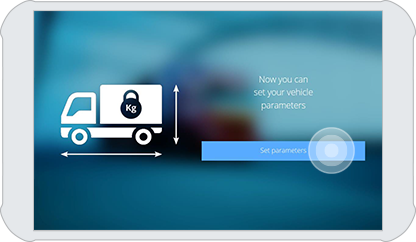
More information about settings of vehicle specific routing (truck, van, car) is available here.
5. Activation of Sygic Truck Navigation license
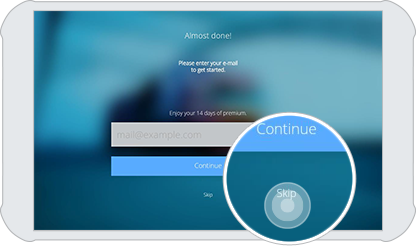
On the next screen you don’t have to re-enter the email address. You can skip this step by clicking Skip button on the bottom of the screen.
Pair with the vehicle
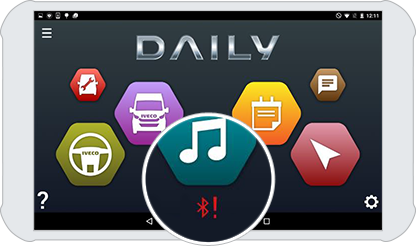
Having finished the first run wizard, you can use the navigation in Trial mode for 14 days. During this period, it is necessary to do Bluetooth pairing with the Iveco radio in the vehicle. The device needs to be connected to the internet during this operation (tablets without mobile internet may require pairing while Wi-Fi coverage is available).
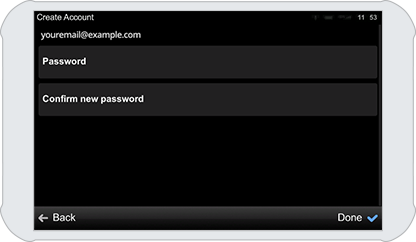
Create password
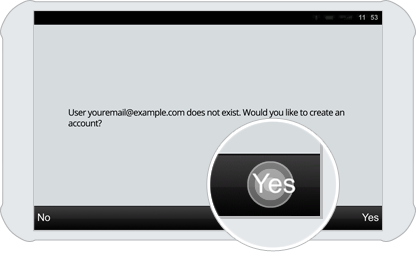
After registration is completed, the next time you open the navigation with the red navigation button, your 1-year license will be automatically activated. Your email will be registered with Sygic and you will be prompted to create a password.
Your license is now activated
After having done this, you will have activated the license for 1 year. We will notify you when this period is about to expire.
*Remember this password to login also in Sygic FleetWork, a telematics solution for tracking and workforce management.
Add-ons & Additional licenses
Upgrade your current Sygic Truck Navigation license
 10,99 € license
Upgrade from Van to Truck navigation
This add-on is highly recommended for vehicles above 3.5t. You can upgrade only your current license that comes with Iveco Daily E6 Van.
Upgrade for iOS
*It is necessary to click on the link above from the iPhone or iPad you have Sygic Truck Navigation installed on.
* the license is valid for 1 year.
 14,99 € license
Live traffic and radars
Receive the combined power of Real-Time Traffic and Mobile Speed Camera Warnings.
Purchase for iOS
*It is necessary to click on the link above from the iPhone or iPad you have Sygic Truck Navigation installed on.
* the license is valid for 1 year.
Buy additional Sygic Truck Navigation licenses for other drivers
 69,00 € license
Additional license for vehicles below 3.5t
Professional navigation for small vans with no need to set any vehicle parameters. Compared to car navigation, it will let you in delivery zones. If you navigate to a delivery zone within its delivery hours, you will be navigated to your destination.
Purchase for iOS
*It is necessary to click on the link above from the iPhone or iPad you have Sygic Truck Navigation installed on.
* the license is valid for 1 year.
129,00 € license
Additional 3 years license for vehicles above 3.5t
It includes extended truck parameters (axle weight, axle load, nubmer of trailers, hazardous materilas, ADR tunnel codes), routing optimized for heavy vehicles and trucks, information about time restrictions for trucks delivery in cities, truck restrictions in maps.
* the license is valid for 3 years.
Support
In case you need assistance with the installation and activation of Sygic Professional Navigation, feel free to submit a request form here: help.sygic.com.